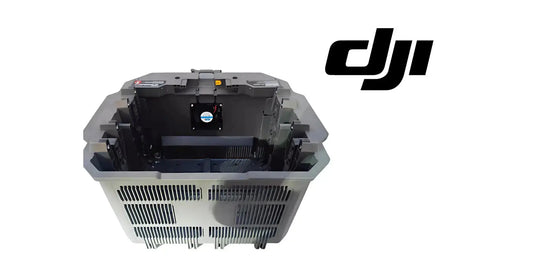
DJI C12000 Status LED Troubleshooting Guide: Charging, DC Output & AC Input
The C12000 uses three separate LED channels, so the first diagnostic step is identifying which channel is signaling. DJI then directs the operator to connect the remote controller whenever a status LED is blinking so the detailed warning or error can be read in the DJI Agras interface.
Quick Answer: LED 1 reports the battery/charging channel, LED 2 reports DC output and LED 3 reports AC input. Four repeating yellow flashes on the DC-output LED mean the C12000 is not activated. A repeating yellow flash indicates a warning on that channel; a repeating red flash indicates an error.


Charging Channel Status LED
| Pattern | Meaning |
|---|---|
| Solid yellow | Battery connected and ready for charging |
| Green blink once continuously | Charging |
| Solid green | Fully charged |
| Yellow blink once continuously | Battery / charging-channel warning |
| Red blink once continuously | Battery / charging-channel error |
DC Output Status LED
| Pattern | Meaning |
|---|---|
| Four yellow blinks continuously | Product not activated |
| Yellow blink once continuously | DC output warning |
| Red blink once continuously | DC output error |
AC Input Status LED
| Pattern | Meaning |
|---|---|
| Yellow blink once continuously | AC input warning |
| Red blink once continuously | AC input error |
What to do when an LED blinks
Connect the remote controller to the C12000 and read the detailed message. The LED identifies the system branch; it does not identify a replaceable part by itself. If the product is abnormal or damaged, DJI recommends contacting official support or an authorized dealer for repair or replacement.

Commercial handoff after diagnosis
If the warning is battery-side, inspect the DB2160 battery and the battery-side charging/cooling path. If the concern is clearly with the power supply itself, use the C12000 Intelligent Battery Charger product page rather than assuming a battery fault.
Parts & Equipment Referenced in This Guide
Shop Related Collections
Related Tutorials
Source and revision note
Primary source: DJI C12000 Intelligent Power Supply User Guide v1.0 (2025), Status LEDs Figure A and English status table.