DJI O4 Relay Linking & Activation Guide with DJI Agras (Canada)
🇨🇦 CANADA — DJI O4 Relay Linking & Activation in DJI Agras: 0.5 m Setup, Status LEDs & Model Mismatch for Canadian Operators
🇺🇸 Reading from the United States? See the U.S. edition: DJI O4 Relay Linking & Activation Guide with DJI Agras
This Canadian edition is written for Canadian DJI Agras operators in the orchards and vineyards of the Okanagan, Niagara and Quebec’s fruit belt. It covers linking and activating the O4 Relay: the 0.5 m setup distance, RC and UAV status LEDs, model mismatch and USB-C activation. The procedure, specifications and warnings below are identical to the original edition linked above — the hardware does not change at the border. What changes for a Canadian operator is the regulatory and purchasing context: the aircraft this DJI O4 Relay supports falls into Transport Canada’s medium RPAS class (25–150 kg) and flies on an Advanced Operations pilot certificate under the November 2025 rules, with a Special Flight Operations Certificate for anything outside that envelope, and pricing is shown in Canadian dollars. Ares Acres stocks the O4 Relay signal repeater system and antennas referenced in this guide as genuine DJI Agras OEM parts, ships them to Canada with free standard shipping, and shows CAD pricing at checkout.
The O4 Relay links in two stages: first to the remote controller, then automatically to the aircraft. DJI's English guide also specifies the physical linking distance, the expected RC and UAV status LEDs, and what to do if the app reports an aircraft-model mismatch.
Quick Answer: Power on the already-linked aircraft and remote controller. Power on the relay and, after its status LEDs become solid red, press and hold the power button to enter linking mode. In DJI Agras, open Device Management → Relay. The RC link is successful when the RC status LED is solid green; the aircraft then links automatically and the UAV status LED becomes solid green. Keep the aircraft and remote controller within 0.5 m of the relay during linking.

1. Confirm the aircraft and remote controller are already linked
Power on the remote controller and aircraft and make sure those two devices are linked before adding the relay to the chain.
2. Put the relay into linking mode
Power on the O4 Relay. When the status LEDs are solid red, press and hold the power button to prepare for linking.
3. Link the remote controller to the relay
Open DJI Agras and select Relay in Device Management. Linking between the remote controller and relay is successful when the relay's RC status LED becomes solid green.
4. Let the aircraft link automatically
Once the remote controller is connected, DJI says the relay will link with the aircraft automatically. The aircraft side is confirmed when the UAV status LED becomes solid green.

Keep all three devices close during linking
DJI says the remote controller and aircraft should be within 0.5 m of the relay while linking.
If linking fails
Check the operating steps and firmware version, then try again. If the app reports that the aircraft model does not match, connect the relay to the remote controller's USB-C port, follow the app prompts to switch models, then retry linking.
Activation is required before first use
A new relay must be activated. After linking, follow the DJI Agras activation prompts, or connect the relay to the remote controller USB-C port to activate it.
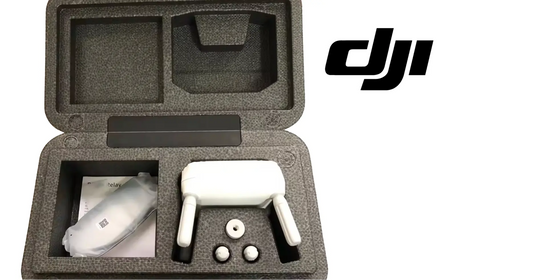
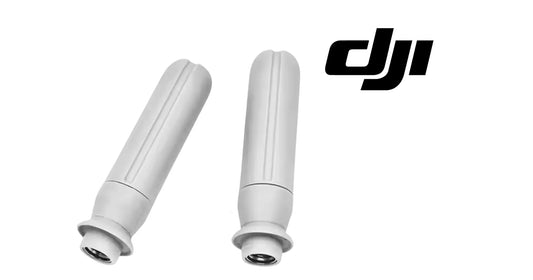
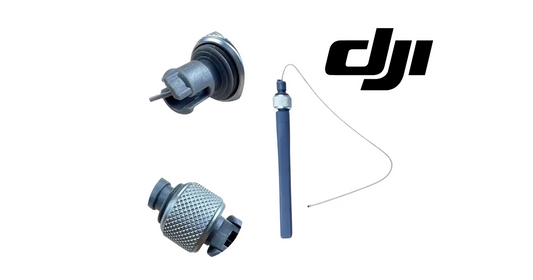
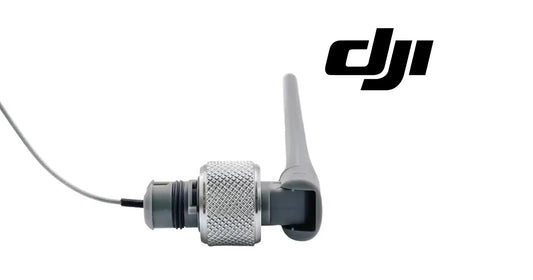
The relevant hardware paths are the DJI O4 Relay Signal Repeater System, O4 Relay Antenna Pair and DJI Agras T100 OEM Remote Controller.
Parts & Equipment Referenced in This Guide
Every part listed above is stocked by Ares Acres as a genuine DJI Agras OEM component, ships to Canada with free standard shipping, and shows CAD pricing at checkout for Canadian customers.
Shop Related Collections
Related Tutorials
- O4 Relay LED & Battery Status Guide
- O4 Relay Firmware Update Guide
- Existing DJI Agras Relay Tutorial
🇺🇸 Reading from the United States? See the U.S. edition: DJI O4 Relay Linking & Activation Guide with DJI Agras
Canadian Operator FAQ: O4 Relay Linking & Activation Guide with DJI Agras
Does Ares Acres ship the O4 Relay signal repeater system and antennas to Canada?
Yes. Ares Acres ships genuine DJI Agras OEM parts, including the O4 Relay signal repeater system and antennas referenced in this guide, to Canada with free standard shipping, and Canadian customers see CAD pricing at checkout.
Do I need an SFOC to use the DJI O4 Relay with my DJI Agras in Canada?
The DJI O4 Relay itself needs no aviation authorization. The DJI Agras aircraft it supports falls into Transport Canada’s medium RPAS class (25–150 kg) under the November 2025 rules and is flown within visual line of sight on an Advanced Operations pilot certificate; a Special Flight Operations Certificate is still required for operations outside that envelope, such as beyond visual line of sight or payloads Transport Canada treats as dangerous goods. Confirm current requirements with Transport Canada and your provincial regulator before operating.
Is this linking and activation different for Canadian operators?
No. The linking and activation described here is identical in every country; only the regulatory framework, the purchasing path and the units used in this guide differ. Confirm current requirements with Transport Canada and your provincial regulator before operating.
Source and revision note
Primary source: DJI O4 Relay User Guide v1.0 (2024), English Linking and Activating section.