DJI D12000iE: Setup, Casters, Handles e Component Map
DJI D12000iE: Setup, Supporting Feet, Casters, Handles e Component Map
O DJI D12000iE User Guide v1.2 começa com mobility-hardware assembly e component identification antes do first start.
Resumo: remova os 4 original supporting feet, instale os matching feet, monte casters em wheel shaft → washer → retaining clip e instale os dois handles com supplied M8 hardware. Depois identifique DC module, LEDs, charging cable, operation panel, filters, oil dipstick, drain hose, spark arrestor, spark plug e high-pressure pipe.

1. Package contents
Generator, feet, casters, handles, shafts, washers, clips, fasteners, two wrenches, oil funnel and spark-plug socket.
2. Keep service tools
Funnel and spark-plug socket are used later.
3. Remove four original feet
First assembly step.
4. Organize hardware
Do not mix fasteners.
5. Install supporting feet
Align with frame and secure correctly.
6. Install casters
Washer inner side, shaft through frame/caster, retaining clip last.
7. Retaining clip matters
Final retention element.
8. Install handles
Use supplied M8 hardware.
9. Handle scope
Do not assume approved lifting use without separate DJI instruction.

10. Stability check
Before moving.
11. Fuel tank/cap
Identify.
12. DC module
Separate diagnostic subsystem.
13. Status LEDs
Charging, DC module, generator/AC.
14. Charging cable
Inspect before first use.
15. Operation panel
Engine switch, AC outlet, grounding/control interfaces.
16. Muffler/spark arrestor
Exhaust-side points.
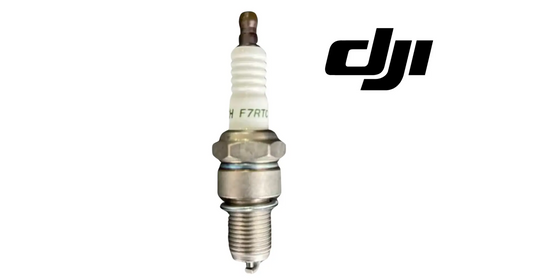
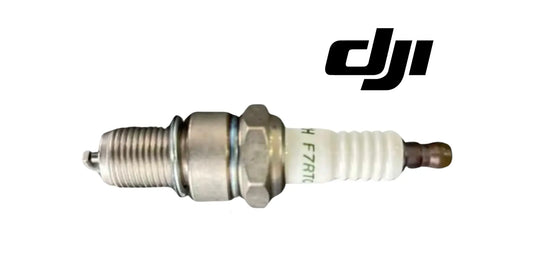
17. Spark plug
Scheduled-service point.
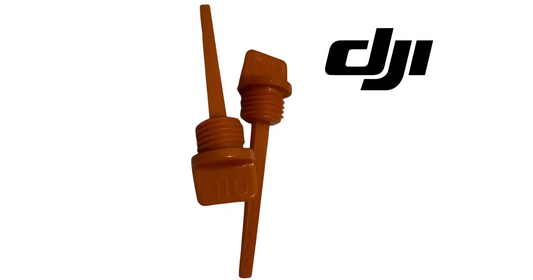
18. Oil dipstick/filler cap
Routine oil check.
19. Oil drain hose
Oil change/storage service.
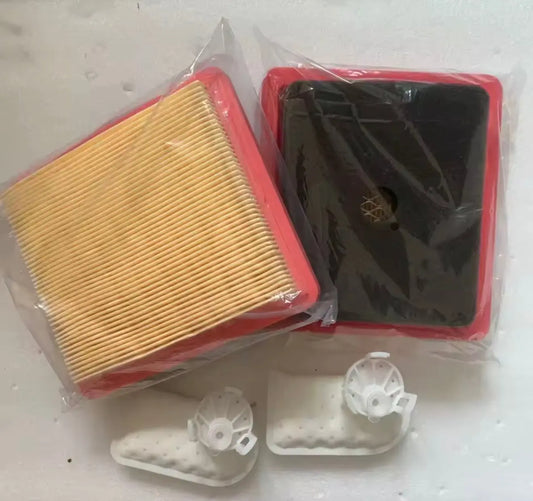
20. Primary/secondary filters
Different maintenance rules.
21. EFI unit
Do not replace without diagnosis.
22. Fan hood
Keep clear.
23. High-pressure pipe
Storage/maintenance service point.
24. Oil-level gauge
Know before startup.

25. Commissioning checklist
- package;
- four feet removed;
- new feet;
- casters/clips;
- handles;
- stable frame;
- service points;
- cable;
- fuel/oil;
- pre-op ready.
26. Receiving photos
Document condition.
27. Asset label
Track model, serial/asset and build.
28. Build-specific parts
Verify before ordering.
29. Setup-to-operation workflow
- assemble;
- identify;
- inspect;
- pre-op;
- activate;
- first start/charge;
- record baseline.
30. Caster misalignment
Recheck foot orientation and washer placement.
31. Loose handle
Resolve before movement.
32. Missing tools
Use correct-fit replacements.
33. Erro: skip component map
Slows troubleshooting.
34. Erro: DC-controller guess
RATO/Zongshen fitment differs.
35. Erro: assume lifting point
Not established by this source.
36. FAQ
Feet removed: four. Caster: shaft/washer/clip. Handles: M8 hardware. Tools: wrenches, funnel, plug socket. Next: pre-op.
Fonte
DJI D12000iE User Guide v1.2, English pp. 3–6.
37. Build verification deve acompanhar o asset
Como future DC-controller e filter parts podem ser RATO ou Zongshen-specific, registre engine/controller build no asset label desde o commissioning.
38. First-movement check
Depois do primeiro transport sobre uneven ground, revise caster retaining clips, wheel shafts, handle fasteners e supporting feet.
39. Tool inventory faz parte do commissioning
Confirme que wrenches, oil funnel e spark-plug socket permanecem com o generator para future service.
40. Component-map training
Operators devem conseguir localizar DC module, oil service points, filters, spark arrestor e operation panel antes de um fault event.
41. Setup completion record
- package complete;
- mobility hardware installed;
- retaining clips checked;
- tools inventoried;
- build recorded;
- service points identified;
- pre-op passed;
- first functional test pending/completed.