DJI D12000iE Storage & Transportation Guide: 30+ Day Storage Procedure
DJI defines a specific storage procedure when the D12000iE will not be used for more than 30 days. The goal is to remove engine oil and fuel from the locations most likely to create problems during extended storage, then keep the generator cool, dry and clean.
Quick Answer: Run the generator for 5-10 minutes to warm it, stop it, drain all engine oil, drain fuel from the bottom of the fuel tank, release the high-pressure oil-pipe connector and drain fuel inside the pipe, reinstall the service points and store the generator in a cool, dry, clean location. After normal operation, wait at least 15 minutes before loading the generator into a vehicle.

Warm the engine before draining
Before storage, run the generator for 5-10 minutes, then stop it. DJI uses this warm-up step immediately before draining engine oil.
Drain the engine oil
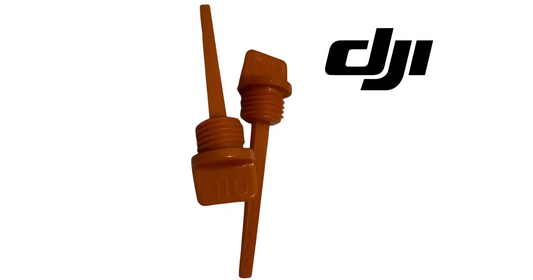
Take down the engine-oil drain hose, rotate the cap counterclockwise and drain all oil. Do not touch hot engine oil. Reinstall the hose and tighten the cap clockwise.
Drain the fuel tank
Remove the fuel-drain bolt at the bottom of the tank, drain fuel through a funnel into a dedicated container and reinstall the bolt after the tank is empty. DJI specifically mentions avoiding gum formation during storage.
Drain the high-pressure oil pipe
Press the latch on the high-pressure oil-pipe connector, remove the pipe, drain the fuel inside and reinstall the pipe. If the physical pipe is separately damaged, the catalog includes a D12000-series RATO High-Pressure Oil Pipe; verify the engine build before ordering.

Transportation
The exhaust system can remain extremely hot after operation. DJI instructs users to wait at least 15 minutes before moving a recently operated generator into a vehicle and to keep the generator stable during transportation to avoid spilling. The general warning section also says there should be little or no fuel in the tank before transportation.
Once cooled, a DJI Agras Universal Generator Protective Cover can add a physical protection layer during storage or transport.
Parts & Equipment Referenced in This Guide
Shop Related D12000iE Collections
Related D12000iE Tutorials
Source and revision note
Primary source: DJI D12000iE Multifunctional Inverter Generator User Guide v1.2, English section, pp. 8-10.