DJI O4 Relay Firmware Update Guide: DJI Agras Device Management & USB-C
The O4 Relay firmware workflow is managed through DJI Agras. DJI provides two update paths: an app-based update after linking the relay to the remote controller, or a direct relay-to-remote USB-C connection.
Quick Answer: Power off the aircraft before updating. Make sure the remote controller and relay have enough battery power. Power on the relay and remote controller, connect the controller to the internet, then open DJI Agras → Device Management → Relay and select the desired firmware version. Alternatively, connect the relay to the remote controller USB-C port and select the firmware version there.

Power off the aircraft before the update
DJI specifically instructs users to power off the aircraft before updating relay firmware. Keep the aircraft out of the firmware-update chain rather than leaving it powered nearby.
Check battery level first
Make sure the remote controller and relay have enough battery power. If the relay battery is low, charge it before beginning the firmware process rather than risking an interrupted update.
Update through DJI Agras
- Power on the relay and remote controller.
- Connect the remote controller to the internet.
- Open DJI Agras.
- Enter Device Management.
- Tap Relay.
- Select the desired firmware version and update.
USB-C update path
DJI also allows the relay to be connected to the remote controller USB-C port. From that connection, select the desired firmware version and update.
If linking has been failing
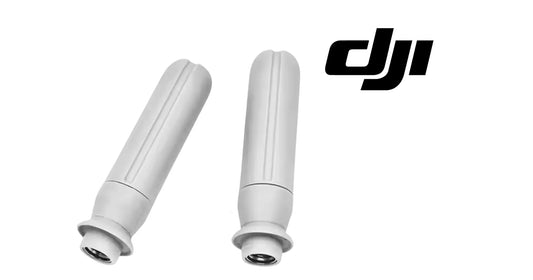
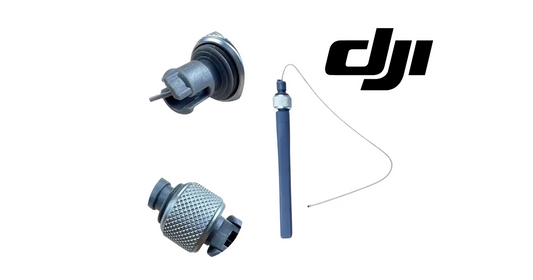
The linking section tells operators to check the firmware version when linking fails. That means firmware should be verified before assuming the relay or O4 Relay Antenna Pair has failed.
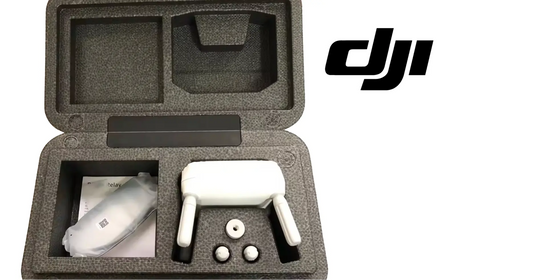
The hardware path is the DJI Agras T100 OEM O4 Relay Signal Repeater System, used with the T100 OEM Remote Controller in the T100 workflow.
Parts & Equipment Referenced in This Guide
- DJI O4 Relay Signal Repeater System
- DJI Agras T100 OEM Remote Controller
- DJI O4 Relay Antenna (Pair)
Shop Related Collections
Related Tutorials
Source and revision note
Primary source: DJI O4 Relay User Guide v1.0 (2024), English Updating Firmware section.