DJI Agras T70P Intelligent Flight Battery Guide: Cooling, LED Errors, Storage & Maintenance
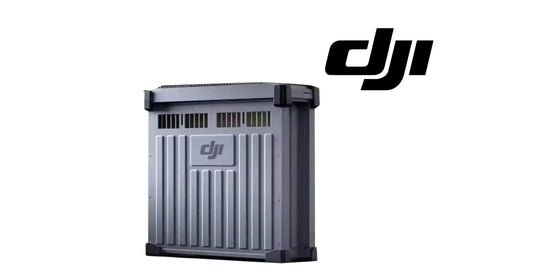
The T70P manual's battery chapter uses a DB1580 Intelligent Flight Battery as the illustrated example, while the T70P performance table specifies a 41,000 mAh Li-ion flight battery for the aircraft's published performance tests. This article preserves that distinction instead of silently renaming the illustrated battery.
Quick Answer: Power the battery off before connecting or disconnecting it. DJI says not to fly below 15% battery. After flight, use an official air-cooled heat sink or suitable heat-dissipation device before charging if the battery is hot. Charge from 0°C to 60°C, ideally 22°C to 28°C, and charge one battery at a time. For long-term storage, power the battery off and disconnect it, keep it dry, and if critically low charge it to 40%-60%. Fully charge/discharge at least once every three months.

Battery safety before flight
Do not use or charge near heat sources such as a hot vehicle, furnace, heater or generator exhaust outlet. Power the battery off before connecting it to or disconnecting it from the aircraft. Avoid strong electrostatic/electromagnetic environments and high-voltage transmission lines.
Clean terminals with a clean, dry cloth. DJI says not to fly below 15% battery level and to make sure the battery is correctly connected before operation.
Charging after flight
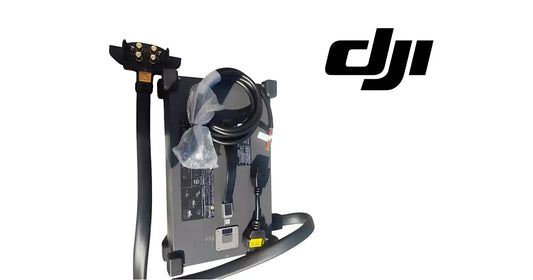
Battery temperature can be high after flight. DJI says to place the battery in the official air-cooled heat sink or an appropriate third-party heat-dissipation device; otherwise charging may not be allowed.
Charging temperature is 0°C to 60°C (32°F to 140°F). The ideal range is 22°C to 28°C (72°F to 82°F). Only charge one battery at a time so heat dissipation is not compromised.
Air-cooled heat sink care
The heat sink activates according to battery temperature. Remove the charging cable before transporting it with a battery connected. Do not rinse the heat sink with water. Clean its protective mesh and cooling fan regularly and do not step on the unit to remove the battery.

Battery-level LEDs
Press the power button once to check level. DJI's battery-level pattern table divides remaining charge into eight ranges: 88-100%, 76-87%, 63-75%, 51-62%, 38-50%, 26-37%, 13-25% and 0-12%. During charging, the four principal display ranges are 0-50%, 51-75%, 76-99% and 100%.
Battery error LED patterns
The chapter provides specific patterns for aircraft short-circuit/overcurrent at power on, undervoltage, overcurrent, battery-system error, overcharge, charging-device over-voltage and low/high temperature. All four LEDs flashing rapidly means the battery is abnormal and unavailable.
If power-on overcurrent or short circuit is detected, unplug the battery and inspect the port for foreign material. Undervoltage requires charging before use. For temperature errors, allow the battery to return to normal temperature; the system can then resume charging or power behavior automatically.
Low-temperature operation
Before operating in cold conditions, DJI says the battery should be above 5°C and ideally above 20°C. The manual says the battery can be warmed by hovering the aircraft.
Storage and transportation
Power off and disconnect the battery during transportation or long-term storage. If battery level is critically low, charge to 40%-60% before storage. Keep the battery dry and away from explosive/hazardous material and metal objects.
The manual says not to transport a damaged battery or a battery above 30% charge, and to discharge to 25% or lower for transportation. For storage beyond three months, DJI recommends a battery safety bag/box and an environment from -20°C to 40°C.
Battery maintenance
Do not clean with water, alcohol or other flammable liquids. Inspect the terminals and ports. Fully charge and discharge the battery at least once every three months. The manual states that a battery that has not been charged or discharged for five months or more is no longer covered by the warranty.
Disposal
The manual provides a salt-solution discharge procedure and instructs operators to use specific recycling channels rather than normal waste. If complete discharge cannot be achieved, contact a professional battery-recycling company.
Ares Acres power paths
The T70P manual's performance table is based on a 41,000 mAh flight battery. Ares Acres currently carries the DB2160 Intelligent Flight Battery and T100/T70P DB2160 programs within the T70P catalog. Battery-side service should always be verified against the exact aircraft/battery configuration before ordering.
Parts & Equipment Referenced in This Guide
- DB2160 Intelligent Flight Battery
- Battery Air-Cooling System
- T100/T70P Charging Extension Cable
- T100/T70P Battery Socket Service Kit
Shop Related Collections
Related T70P Tutorials
Source and revision note
Primary source: DJI AGRAS T70P User Manual v1.0, 2025.11, section 6. The source explicitly uses DB1580 as the battery illustration example; the T70P performance table separately specifies a 41,000 mAh Li-ion flight battery.