DJI C12000 Intelligent Power Supply User Guide: Setup, Fast Charging, Slow Charging & Troubleshooting
This C12000 visual manual reorganizes DJI User Guide v1.0 into focused operating and diagnostic tutorials. The source itself is concise, so each publication answers one meaningful question instead of stretching the same material across overly broad chapters.
Quick Answer: Use this page as the C12000 index. Start with setup and site safety, activate the charger through DJI Agras, then choose the fast- or slow-charging workflow. If a status LED blinks, connect the remote controller for detailed diagnostics. Maintain cooling by preserving airflow and cleaning the dustproof cover regularly.

C12000 visual manual index
- Setup, Components, Cables & First Inspection
- Charging Site Safety: Ventilation, Battery Spacing & Fire Protection
- Status LED Troubleshooting: Charging, DC Output & AC Input
- Activation & Firmware Update with DJI Agras
- Fast Charging: 380V Three-Phase, L1/L2/L3/PE & 12 kW
- Slow Charging: 220V Single-Phase & Conversion Cable
- DB2160 / Air-Cooled Heat Sink Charging Workflow
- Storage & Maintenance: Dustproof Cover, Connector Cleaning & Cooling
- Specifications & Battery Compatibility


Fast charging safety boundary
DJI requires the fast-charging connection to be performed only by qualified electricians wearing insulated gloves. The fast-charging procedure uses three hot wires labeled L1, L2 and L3 plus a PE ground wire, and DJI warns against connecting PE to a neutral or hot terminal.
Battery compatibility in User Guide v1.0
The source lists DB2100, DB1580 and DB2160 Intelligent Flight Batteries. DJI also instructs operators to check the official website for the latest compatibility information. The direct active catalog link available here is the DB2160 Intelligent Flight Battery.
From visual manual to exact equipment
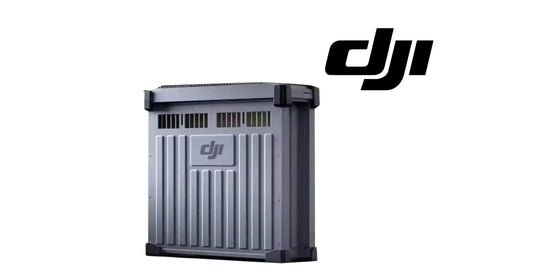
Where a verified store product exists, the tutorials link directly to it: C12000 Intelligent Battery Charger, DB2160 battery, DB2160 cooling station, battery air-cooling system and charging extension cable.
Parts & Equipment Referenced in This Guide
- C12000 Intelligent Battery Charger
- DB2160 Intelligent Flight Battery
- DB2160 Battery Cooling Station
- Battery Air-Cooling System
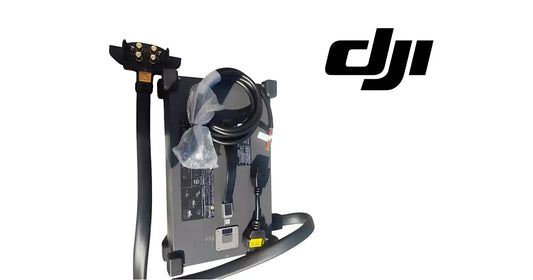
- Charging Extension Cable
Shop Related Collections
Related Existing Tutorials
Source and revision note
Primary source: DJI C12000 Intelligent Power Supply User Guide v1.0 (2025), English section, Figures A-H and Specifications.