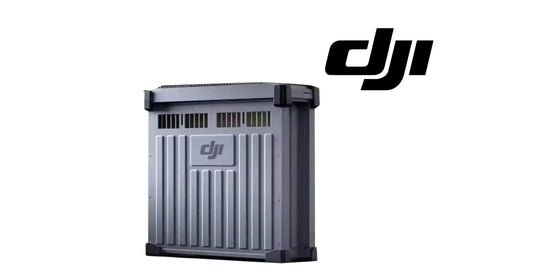
DJI C12000 Storage & Maintenance Guide: Dustproof Cover, Connector Cleaning & Cooling
The C12000 has a short maintenance list, but the tasks are directly tied to cooling and connector reliability. DJI focuses on the fan dustproof cover, charging-cable connector, cable handling and fully disconnecting the unit before storage.
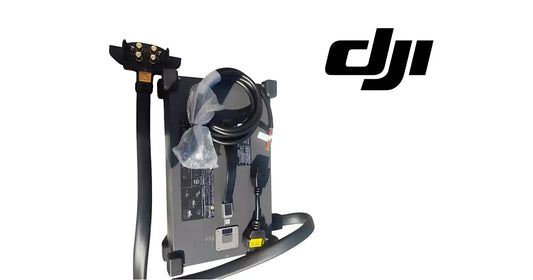
Quick Answer: When the C12000 is not in use, disconnect it from AC power and disconnect the charging cable from the battery, then place it in a stable location. Clean the fan dustproof cover regularly to maintain heat dissipation. If buildup appears on the charging-cable connector, disconnect external power before cleaning. Do not carry the unit by pulling the charging cable.

Disconnect before storage
DJI says that when the product is not being used, disconnect the product from AC power and disconnect the charging cable from the battery. Place the unit in a stable location.
Clean the fan dustproof cover regularly

Dust accumulation can reduce the cooling effect of the fans and degrade heat-dissipation performance. DJI does not give a fixed calendar interval in this guide, so inspection frequency should be based on actual contamination and operating environment rather than an invented service interval.
Clean charging-connector buildup only with power disconnected
If there is noticeable buildup on the charging-cable connector, clean it as soon as practical, but make sure the product is not connected to external power before cleaning.
Do not move the unit by the charging cable
The charging cable can be damaged by pulling or strong impact. Use the handle identified in the component map rather than the cable as a carry point.

Storage environment vs operating environment
DJI's warning section says the product should be kept in an environment from -5°C to 40°C. The formal specification table lists operating temperature as 0°C to 40°C. Do not treat the wider storage range as an operating range.
Parts & Equipment Referenced in This Guide
Shop Related Collections
Related Tutorials
- Clean and Maintain the DJI Charging Fan
- C12000 Charging Site Safety
- C12000 Status LED Troubleshooting
Source and revision note
Primary source: DJI C12000 Intelligent Power Supply User Guide v1.0 (2025), warning items 13-16, Storage and Maintenance section and Figure H.