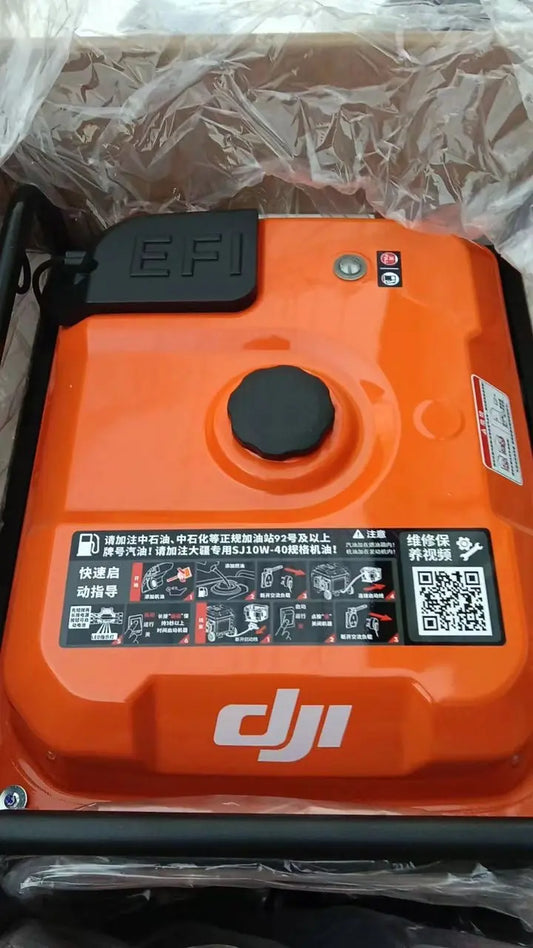
DJI D14000iE Activation, Firmware Update, Starting & Battery Charging
The D14000iE first-use workflow combines activation, firmware management and the normal engine-start/flight-battery charging sequence. These are separate layers: activation authorizes first use, firmware keeps the product current, and startup prepares the engine and charging channel.
Quick Answer: Connect the remote controller to the generator, open DJI Agras and use Device Management > Charging Device to activate it. Update firmware when prompted. For charging, begin with no AC devices connected, verify engine oil and at least 1 L of fuel, connect the charging cable to a powered-off Intelligent Flight Battery and power the battery on, then hold the engine switch at START for at least 3 seconds.

Activation and firmware
The product must be activated before first use. Connect the remote controller, open DJI Agras and select Device Management > Charging Device. Follow the on-screen activation and firmware prompts.
The operation-panel USB-C port is used for remote-controller connection, firmware update and log export. If the physical start/stop control is damaged, see the D14000iE Control Panel Switch Button. The main electronic-control path includes the D14000iE Generator Controller.

Start the generator for battery charging
- Do not connect electric devices before starting.
- Verify engine oil and at least 1 L of fuel.
- Connect the charging cable to a powered-off Intelligent Flight Battery, then power the battery on.
- Hold the engine switch at START for at least 3 seconds, then release.
- The switch returns to ON, the generator starts automatically and charging begins.
If AC devices are operating while the generator charges the battery, DJI notes that charging capacity decreases and charging time increases.

If it fails to start
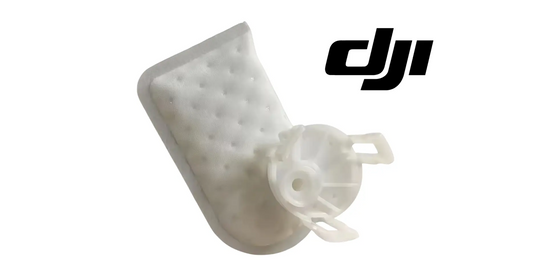
DJI's first instruction is to connect the remote controller for more information. A no-start condition can belong to oil protection, fuel supply, cranking, ignition, control or another engine state. If evidence specifically identifies the cranking path, customer-facing exact parts include the Electric Starter and Starter Motor Relay. For a fuel branch, see the Gasoline Pump and Pump Filter. The Ignition Coil with Trigger belongs to the ignition path.
Parts & Equipment Referenced in This Guide
Shop Related D14000iE Collections
Related D14000iE Tutorials
Source and revision note
Primary source: DJI D14000iE Multifunctional Inverter Generator User Manual v1.0 (2025.06), pp. 7-9 and 12-13.